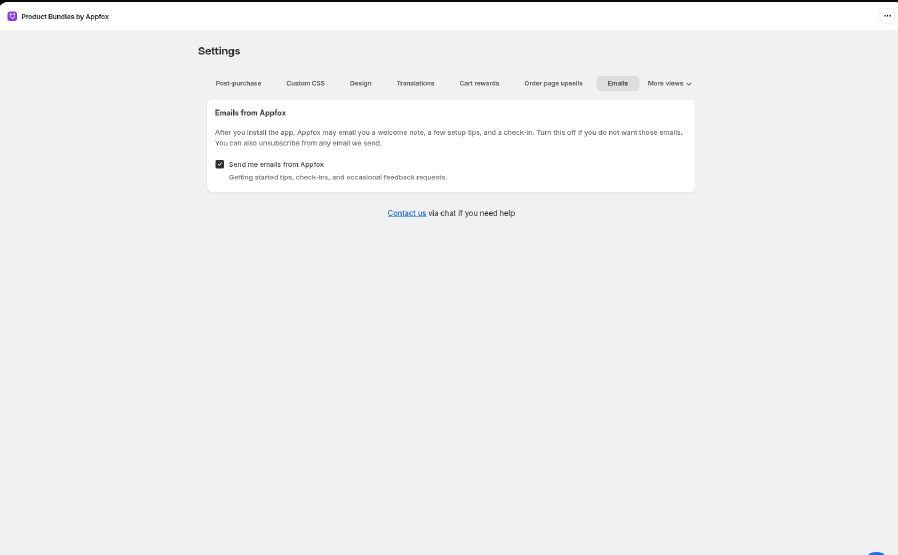
The tabs
When you change something on a tab, a save bar appears at the top of the Shopify admin. Click Save to keep your changes or Discard to undo them. If you try to switch tabs with unsaved changes, the save bar stops you so nothing gets lost.
Settings that live on each bundle
Some settings belong to a single bundle, not the whole store. You’ll find them in the bundle editor (Bundles, then click a bundle), in Settings or in that feature’s own section:- Schedule and the countdown timer. See Bundle countdown timer.
- Customer targeting, such as new or returning customers, customer tags, and B2B. See Targeting customers.
- Where to show this widget, for Classic, Volume, and Mix & Match bundles.
- Design overrides for that bundle only.
Emails from Appfox
After you install the app, we may send you a welcome note, a few setup tips, and a check-in now and then. To stop them:- Go to Settings → Emails.
- Clear Send me emails from Appfox.
- Click Save.